Authored by: Bryan Lachapelle, President & CEO
 Every business wants to save time. New software, AI tools and productivity platforms all promise to make work faster and easier. But sometimes the biggest improvements do not come from adding another tool. They come from better habits.
At B4 Networks, we work with businesses across Niagara, Hamilton, Simcoe County and the GTHA, and we often see that organizations with fewer technology disruptions have something in common: they address small issues before those issues start affecting operations.
As Q4 approaches, here are five business technology habits that can save time, reduce unnecessary disruptions and help your team work more efficiently.
1. Plan Ahead Instead of Reacting to IT Problems
If you wait until the end of the quarter to figure out what is working and what is not, you are already playing catch-up. Proactive technology planning does not need to be complicated. Set aside time regularly to review what is changing in your business. Are you hiring? Adding new software? Opening another location? Replacing equipment? Changing how employees work? Are there technology issues that keep coming back?
Regular conversations about priorities, risks and upcoming changes allow your technology to support the business instead of constantly reacting to it. A little planning now can prevent a lot of scrambling later.
2. Document Important Technology and Business Processes
If an important process depends entirely on one employee knowing how it works, you have a single point of failure. What happens when that person takes a holiday, leaves the company or simply is not available when something goes wrong? Important procedures, vendor information, responsibilities and technology processes should be documented and easy for the right people to access. Good documentation reduces the time employees spend looking for answers and helps work continue when someone is unavailable. The less your team has to guess, the more time they can spend getting work done.
3. Fix Small IT Problems Before They Become Expensive Ones
Most businesses have technology frustrations employees have simply learned to tolerate. A slow computer. Unreliable Wi-Fi. Outdated software. An inefficient process. Ageing hardware. A printer that seems to stop working at exactly the wrong time. Individually, these issues may not seem urgent. Together, they can cost your team hours of lost productivity. They can also be warning signs of larger infrastructure or technology problems. Proactive IT support means identifying recurring issues and addressing the root cause instead of repeatedly applying temporary fixes.
4. Test Your Backups and Business Continuity Plans
It is easy to assume everything is ready when nothing is going wrong.
"We have backups."
"Our team knows what to do."
"We'll figure it out."
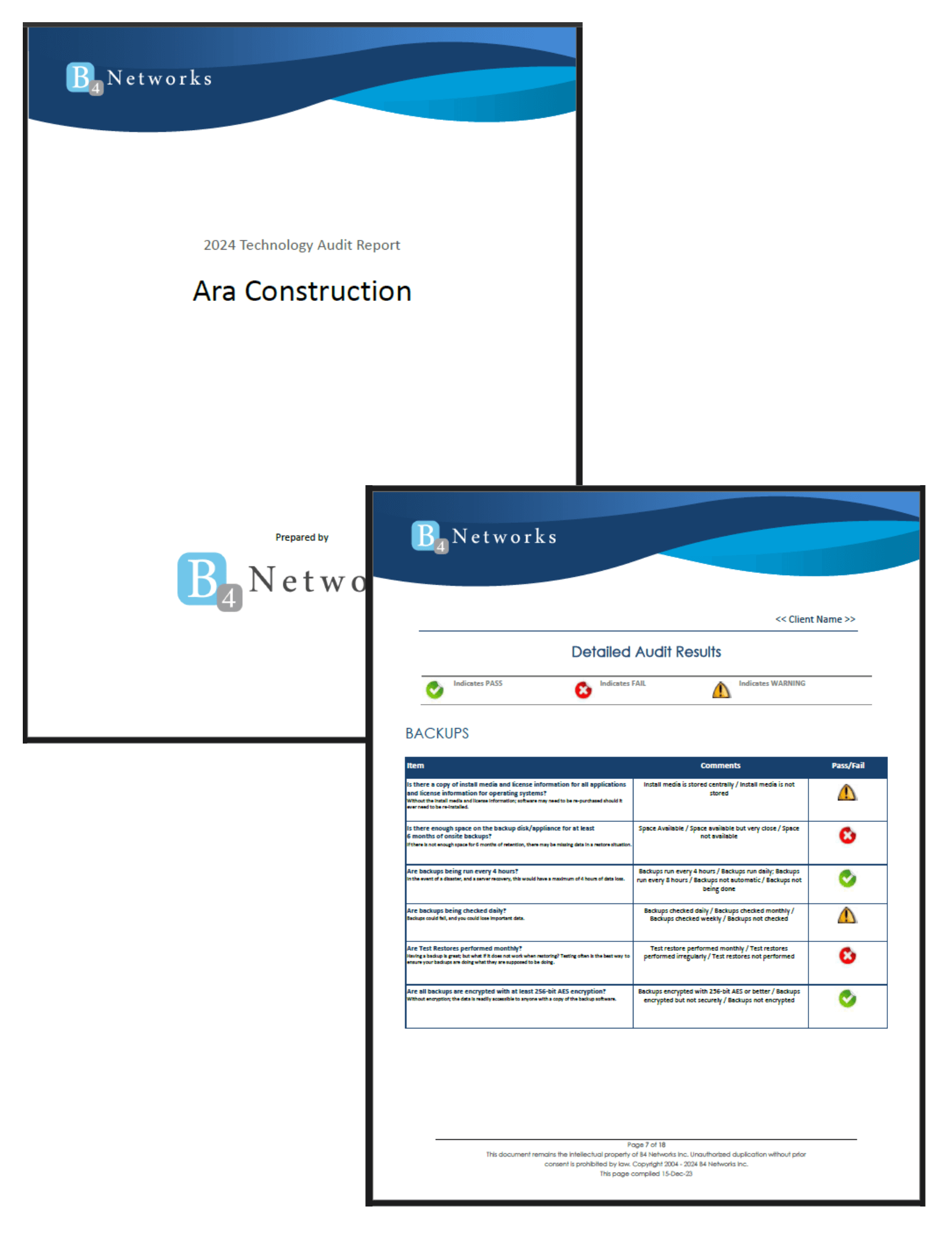
The problem is that an outage is the worst time to discover those assumptions were wrong. Businesses should regularly test backups, review recovery plans and make sure employees understand what happens if critical technology becomes unavailable. Could you restore important data? How long would recovery take? Which systems would need to come back first? Who would make decisions? How would your team communicate? September is National Preparedness Month, making it a good reminder that preparedness is not just about having a plan. It is about knowing that plan actually works.
5. Treat Your IT Provider as a Strategic Business Partner
If you only speak with your IT provider when something breaks, you may be missing opportunities to prevent problems in the first place. A proactive IT partner should understand where your business is going, not just what is happening with today's support tickets. That means having regular conversations about business goals, technology budgets, cybersecurity risks, infrastructure, upcoming projects and future needs.
Whether you operate a long-term care home, an agriculture business or a growing company anywhere across Southern Ontario, technology decisions should support how your organization operates today and where it is going next. The best IT relationships do more than solve problems. They help prevent them.
Small Technology Habits Can Make a Big Difference
Saving time is not always about finding another productivity tool. Sometimes it is about reducing the interruptions that should not be happening in the first place. Planning ahead, documenting processes, addressing recurring problems, testing recovery plans and having strategic conversations about technology can all help your business operate more efficiently.
At B4 Networks, we help businesses across Niagara, Hamilton, Simcoe County and the GTHA take a proactive approach to IT, cybersecurity and technology planning.
Are recurring technology problems taking more time from your team than they should? Let's take a look at what is slowing you down. Book a discovery call or call 905-228-4809 (Niagara) or 705-885-0993 (Barrie). We'll help you identify opportunities to reduce disruptions, improve productivity and make your technology easier to manage.